
Getting Started
Getting Started
Welcome to CutCap AI! This guide will help you transform your long-form videos into viral shorts in just a few minutes.
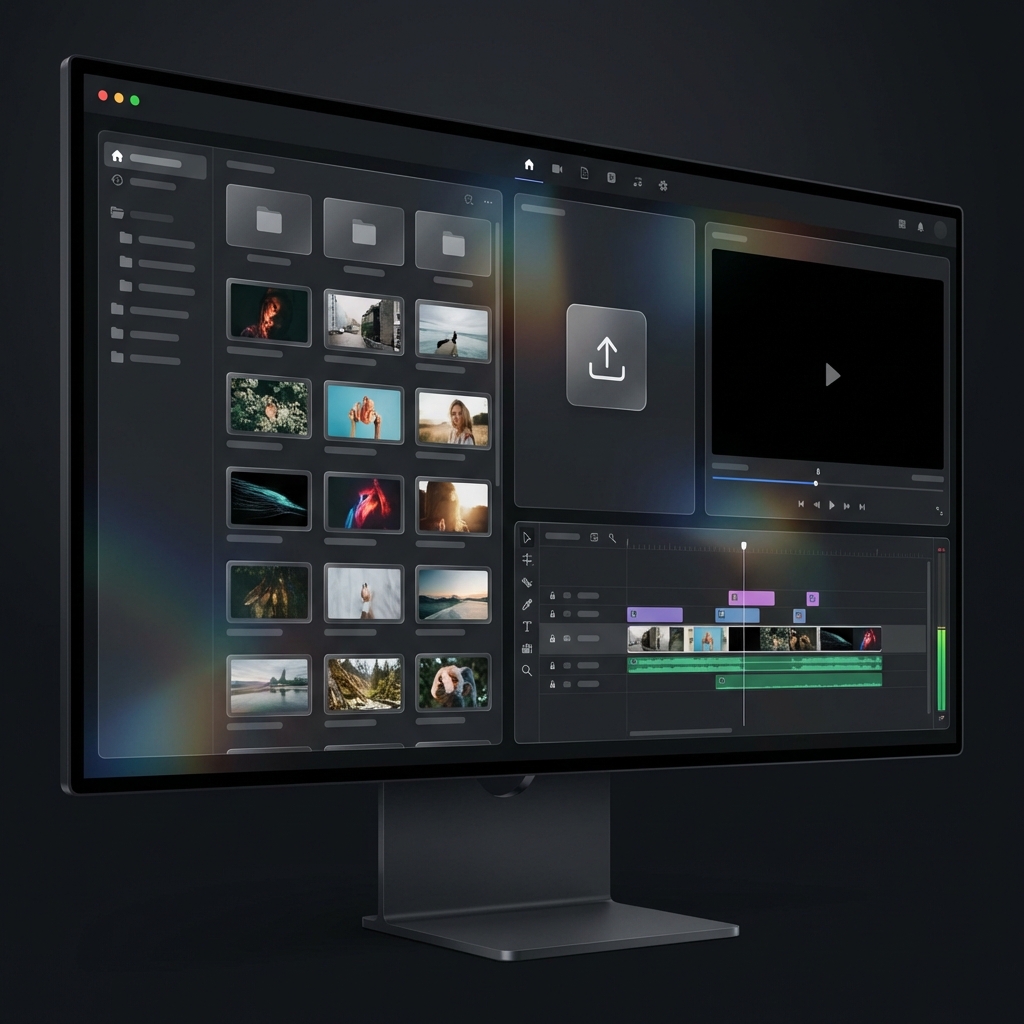
What is CutCap AI?
CutCap AI is a powerful tool designed for content creators, marketers, and social media managers. It uses artificial intelligence to:
- ⚡️ Smart Highlights: Automatically extract the most engaging parts of your video.
- ✍️ AI Subtitles: Generate accurate, animated captions instantly.
- 🎨 Pro presets: Apply viral styles with a single click.
- 📱 Multi-Platform: Export videos optimized for TikTok, Reels, and YouTube Shorts.
Quick Start Guide
1. Upload Your First Video
From your dashboard, click the "Upload Video" button. You can upload local files or import directly from cloud services.
2. Wait for AI Processing
Once uploaded, our AI engine starts working in the background to transcribe and analyze your content.
3. Edit and Style
Enter the editor to fine-tune your captions. Use the Style Tab to choose a preset that fits your brand's personality.
4. Export and Share
Click "Export Video" to render your masterpiece. Choose between 720p, 1080p, 2K, or 4K quality.
Pro Tip: For the best transcription results, ensure your video has clear audio with minimal background noise.