
Subtitles & Captions
Updated 2 days ago
By CutCap AI Team
Subtitles & Captions
Generate viral-style subtitles automatically. Our AI detects every word with high precision and applies timing perfectly.
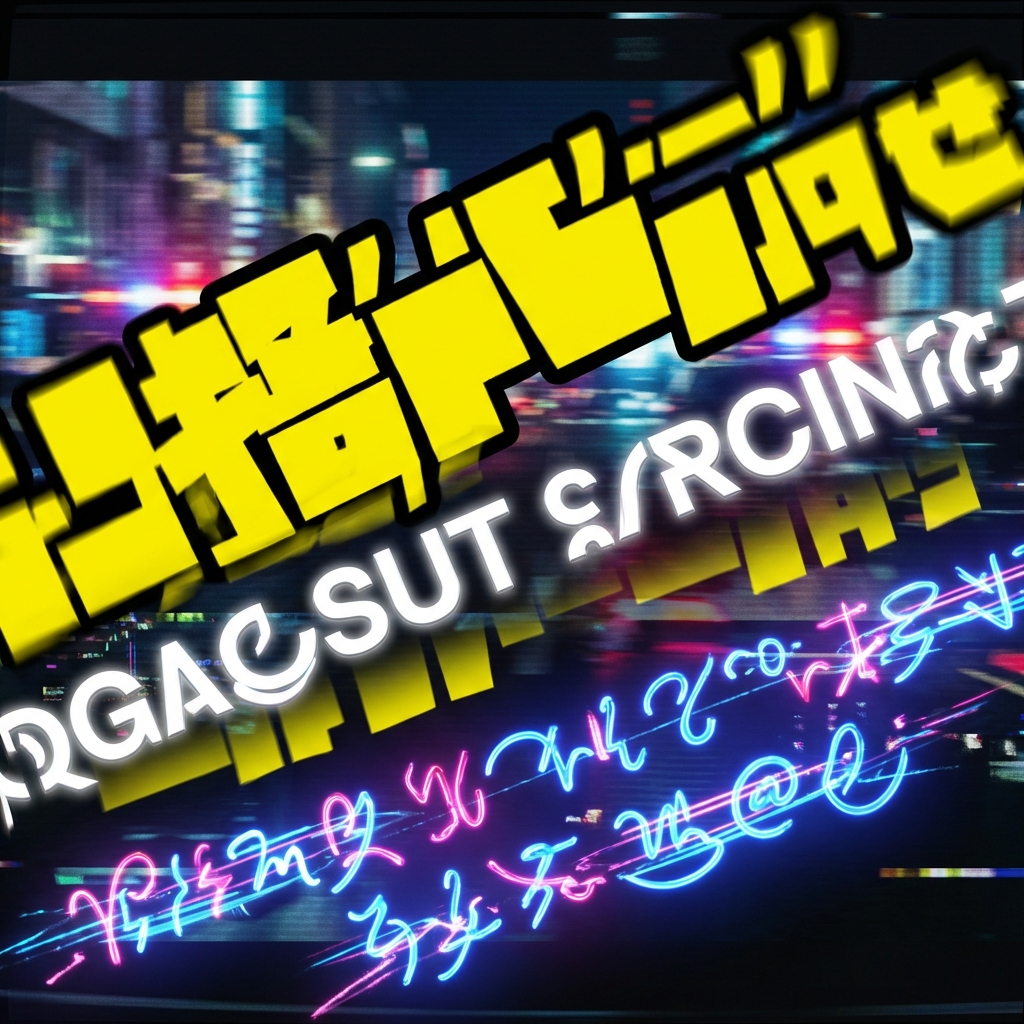
How to Style Your Captions
🌟 Using Presets
Choose from our curated list of Viral Styles. Each preset includes unique animations (Pop, Slide, Bounce) and typography colors.
🎨 Manual Customization
Want a unique look? Use the Settings panel to adjust:
- Typography: Font Family, Weight, and Size.
- Colors: Base text color, stroke (outline) color, and shadow/glow.
- Highlights: Select 1-3 colors that will be randomly applied to key words for that "viral" look.
Editing the Text
- Navigate to the "Captions" tab.
- Click any word or segment to edit the text immediately.
- Use the "Split" tool to break long sentences into punchier, shorter segments.
Pro Strategy: Retention
Data shows that dynamic, colorful captions increase viewer retention by as much as 40%. Use bright highlight colors (Yellow, Cyan, Green) to keep your audience engaged.